
Register Account
Open the sign-up page: https://www.cctq.ai/sign-up
Three ways to register / sign in are currently supported:
- Email registration: Enter a username, password (8-20 characters) and confirmation, then enter your email and click "Send code". Fill in the code you receive and click "Create account". The available email domains are listed in the email-suffix dropdown.
- LinuxDO quick login: Click "Continue with LinuxDO" to sign in with your LinuxDO account.
- Google quick login: Click "Continue with Google" to sign in with your Google account.
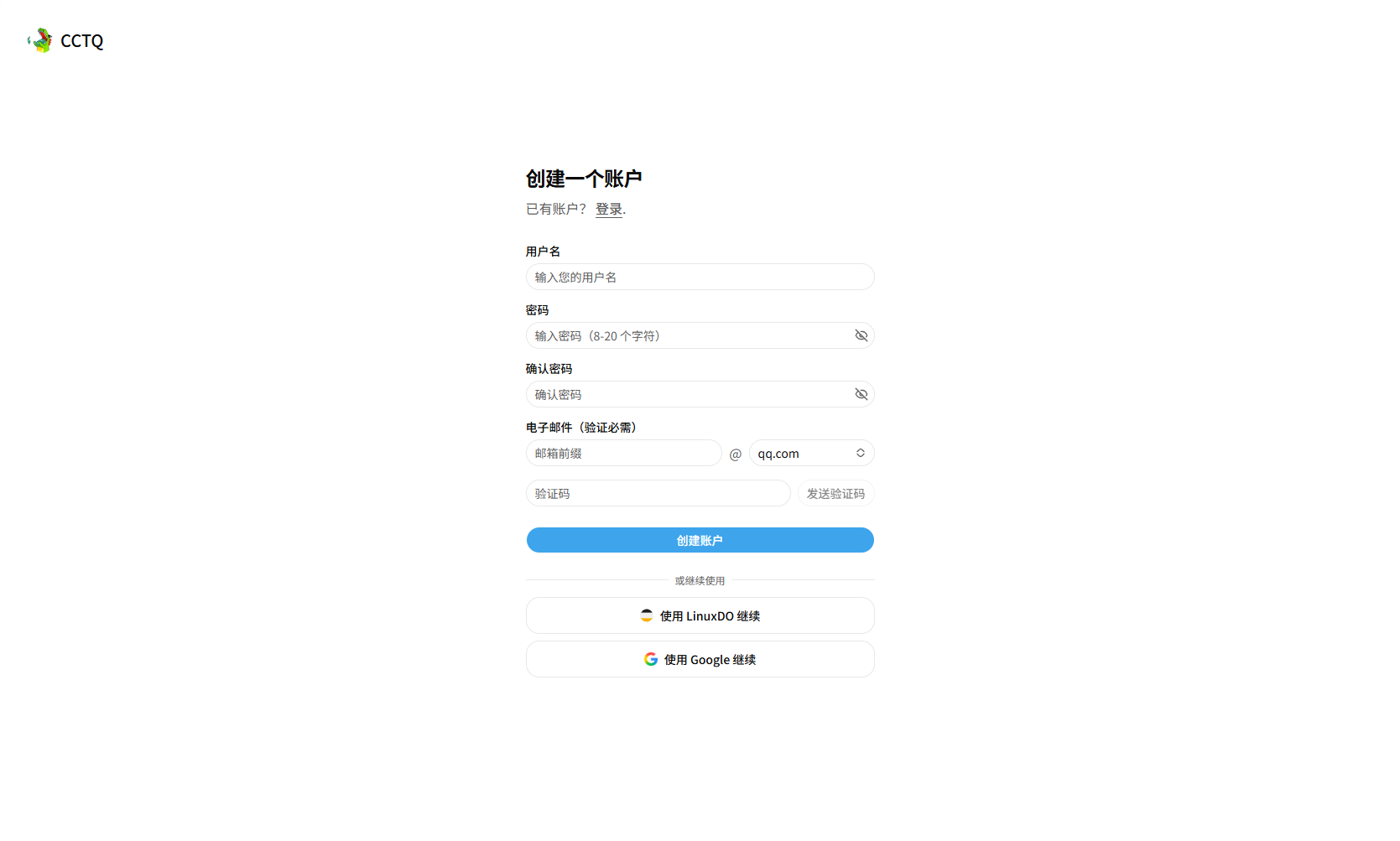
Pick any method and follow the prompts to finish registration.