Claude Code CLI Setup Guide
TIP
For downloading and installing CC Switch, see CC-Switch Setup.
1. Add a provider
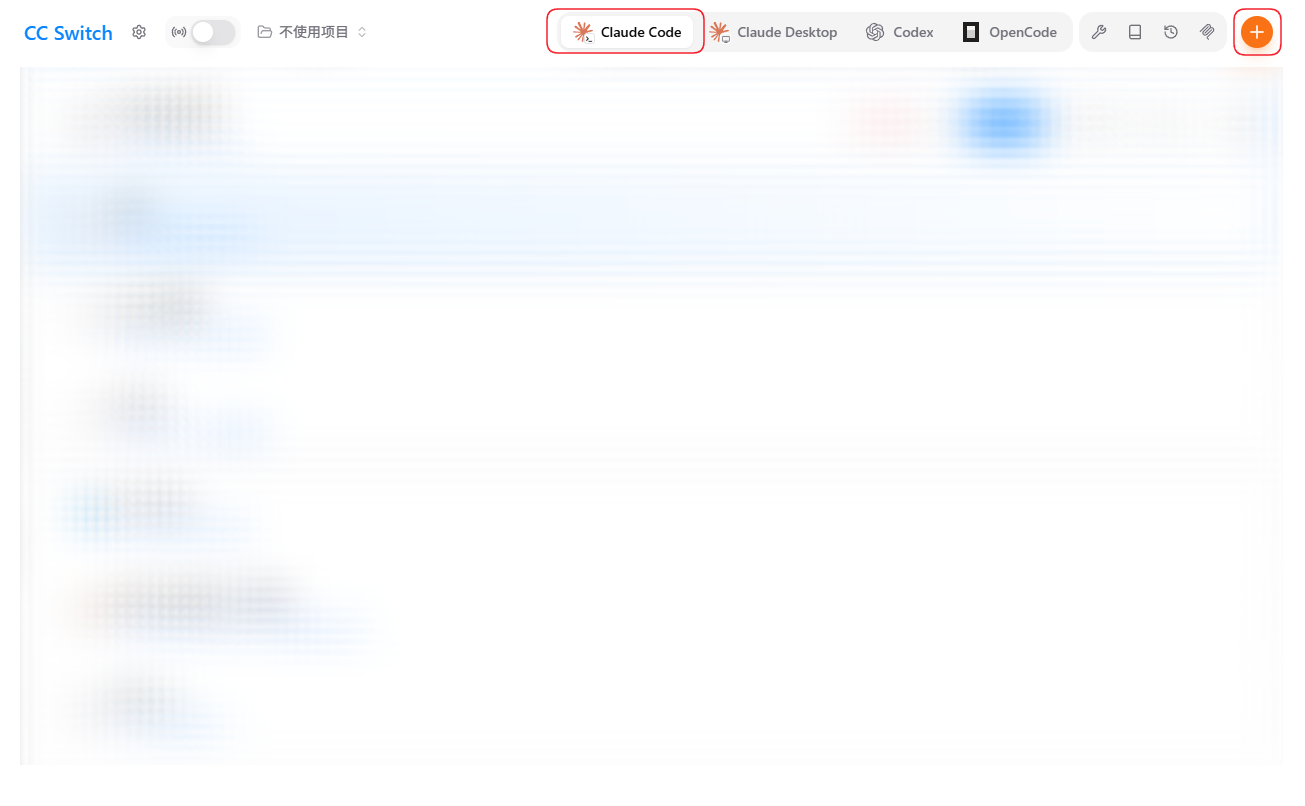
Open CC Switch, switch to the Claude Code tab at the top, and click the orange "+" in the top-right.
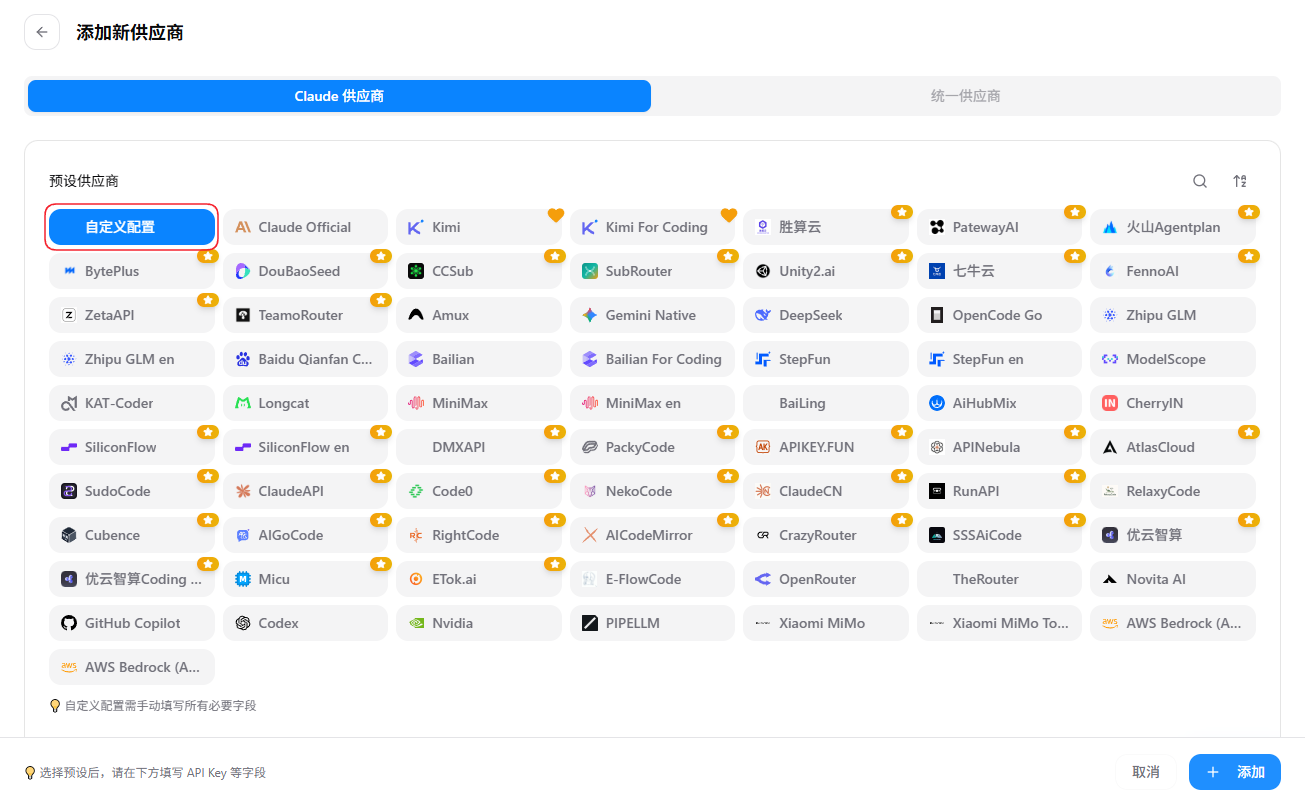
On the "Add Provider" page, keep Claude provider and click "Custom configuration" in the top-left.
2. Fill in the details
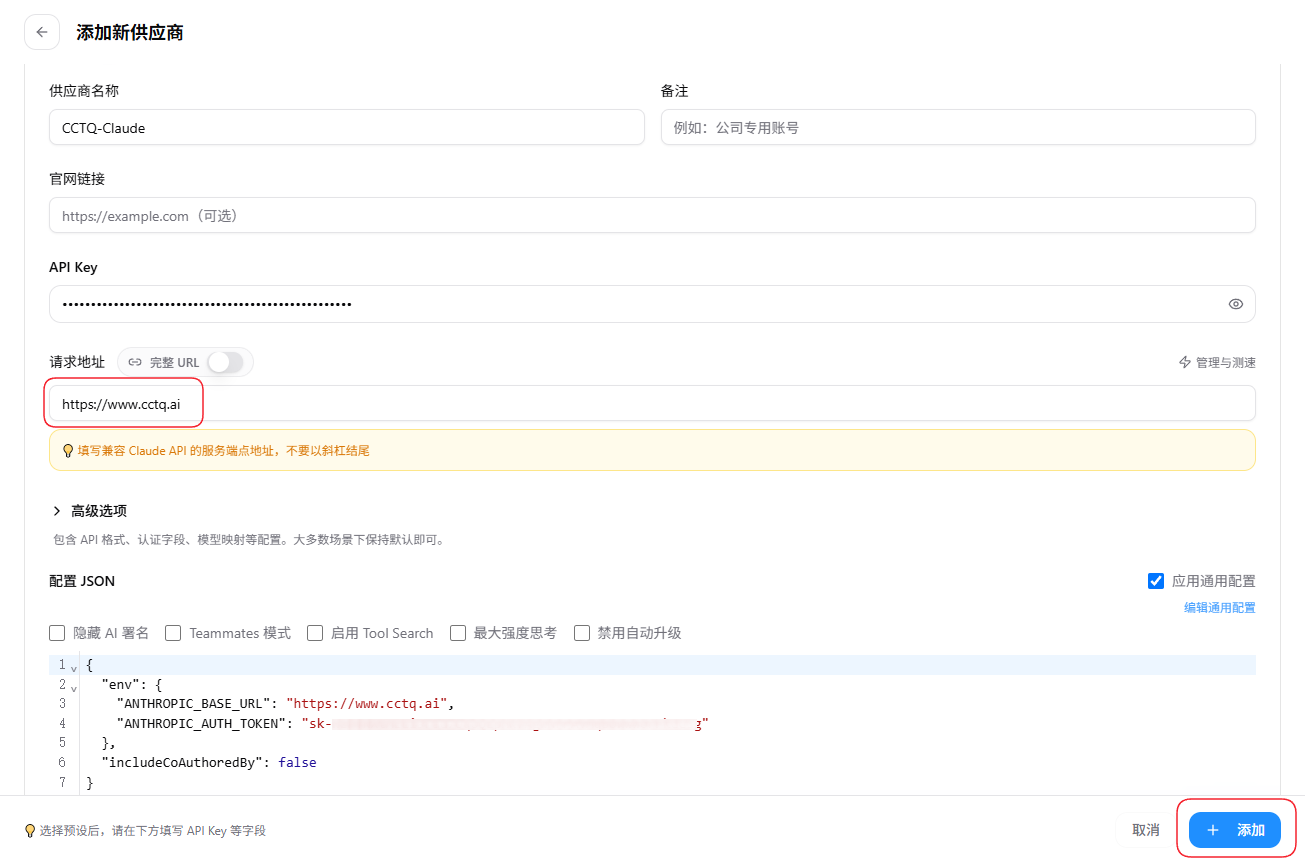
- Provider name: anything you like, e.g.
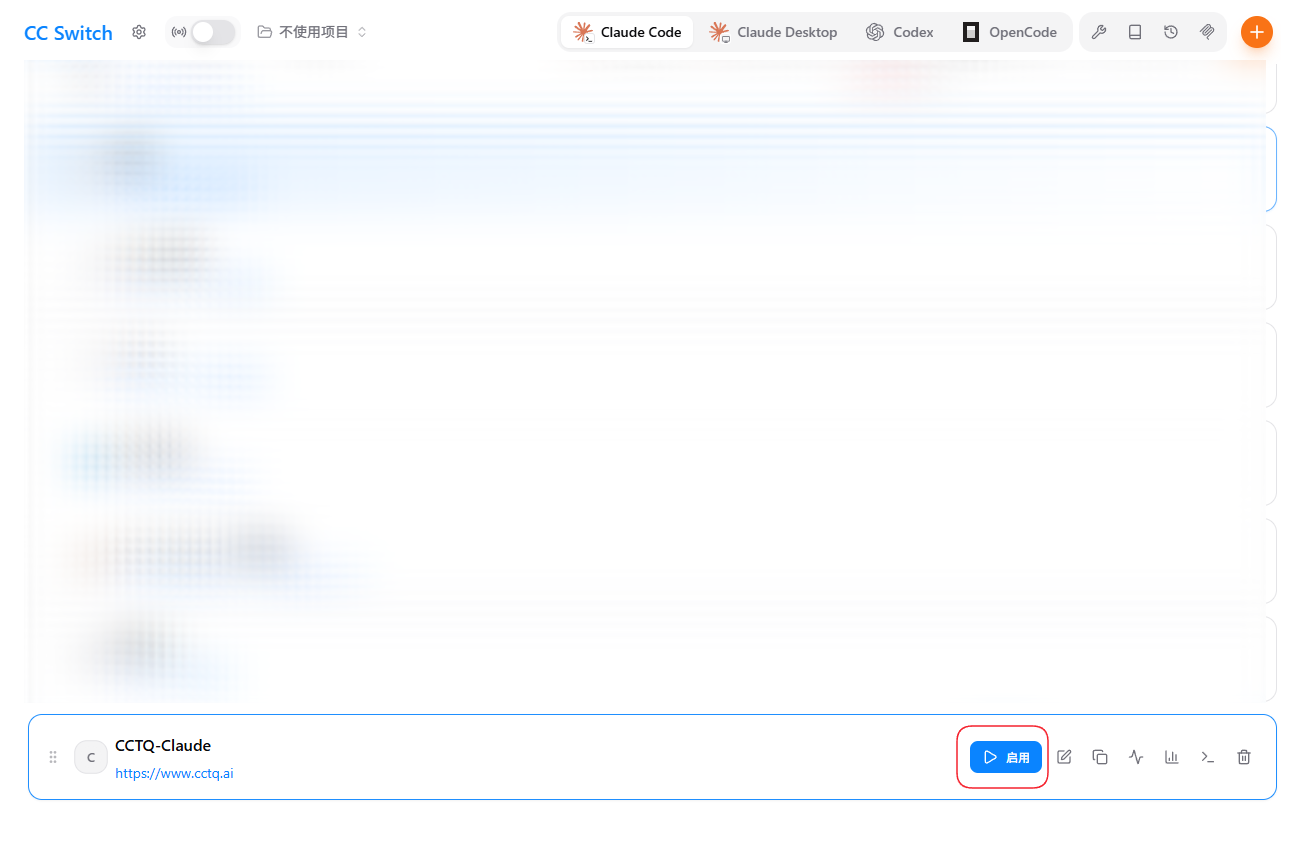
CCTQ-Claude - API Key: your token key
- Request URL: enter
https://www.cctq.ai(a Claude-API-compatible endpoint, no trailing slash)
Click "+ Add" in the bottom-right when done.
3. Enable the provider
Back in the list, click "Enable" on the CCTQ-Claude card.
4. Verify
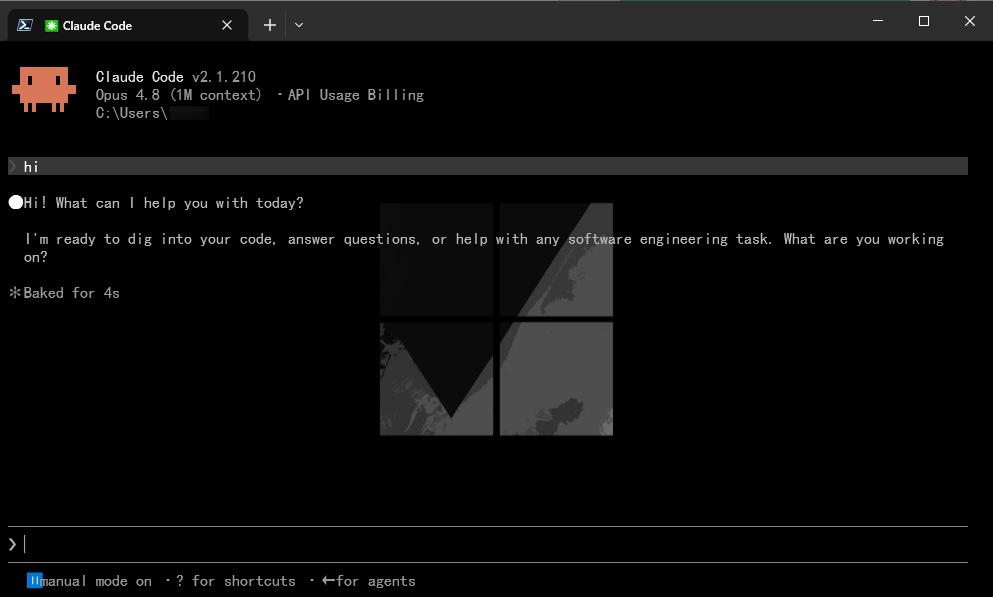
Open the Claude Code terminal and send any message (e.g. hi) — a normal reply means the setup succeeded.