API URL / Key
API/URL
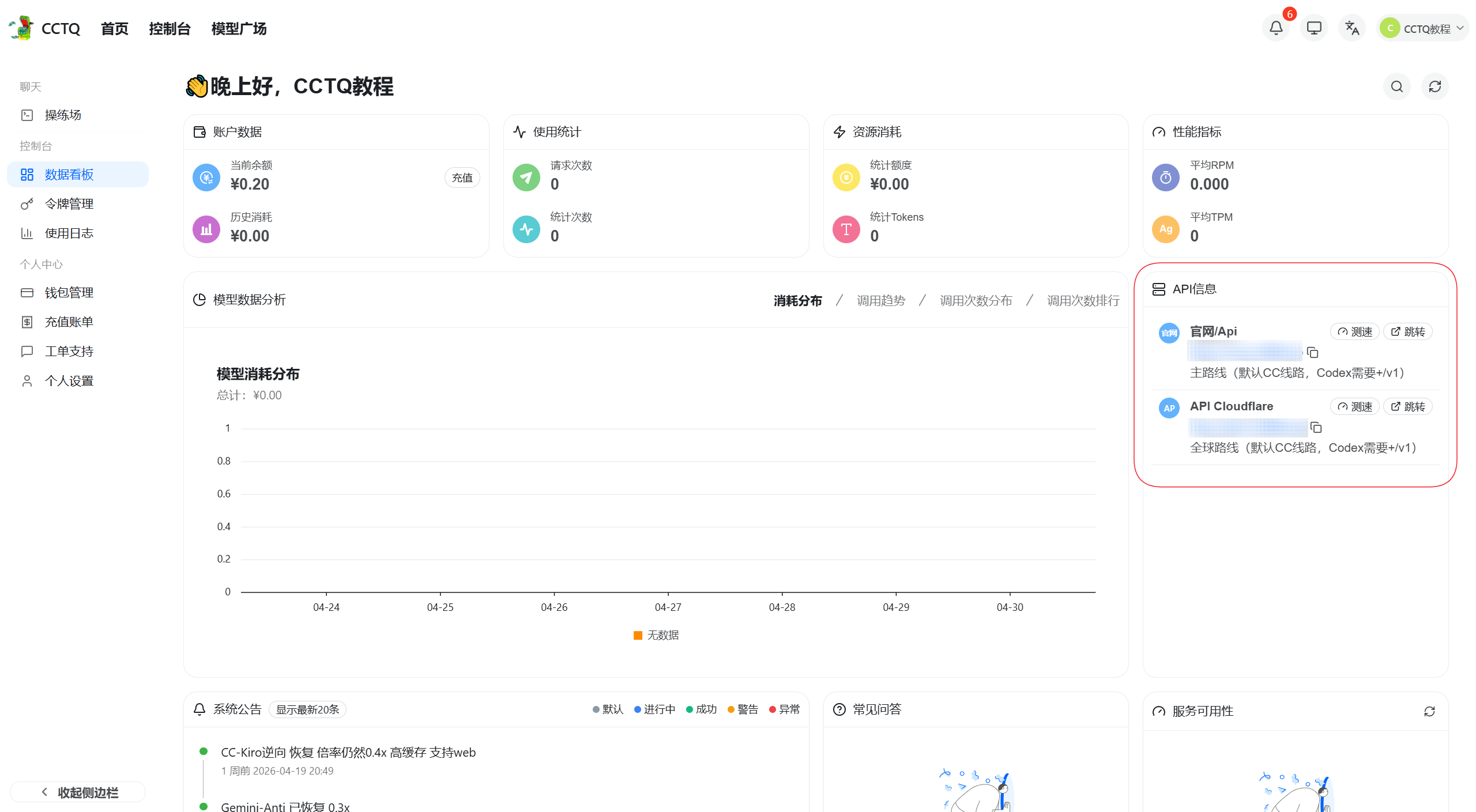
After logging in, the API Info panel on the right shows the latest address.
For Claude, copy it as-is; for Codex, append /v1 after copying.
Key/Token
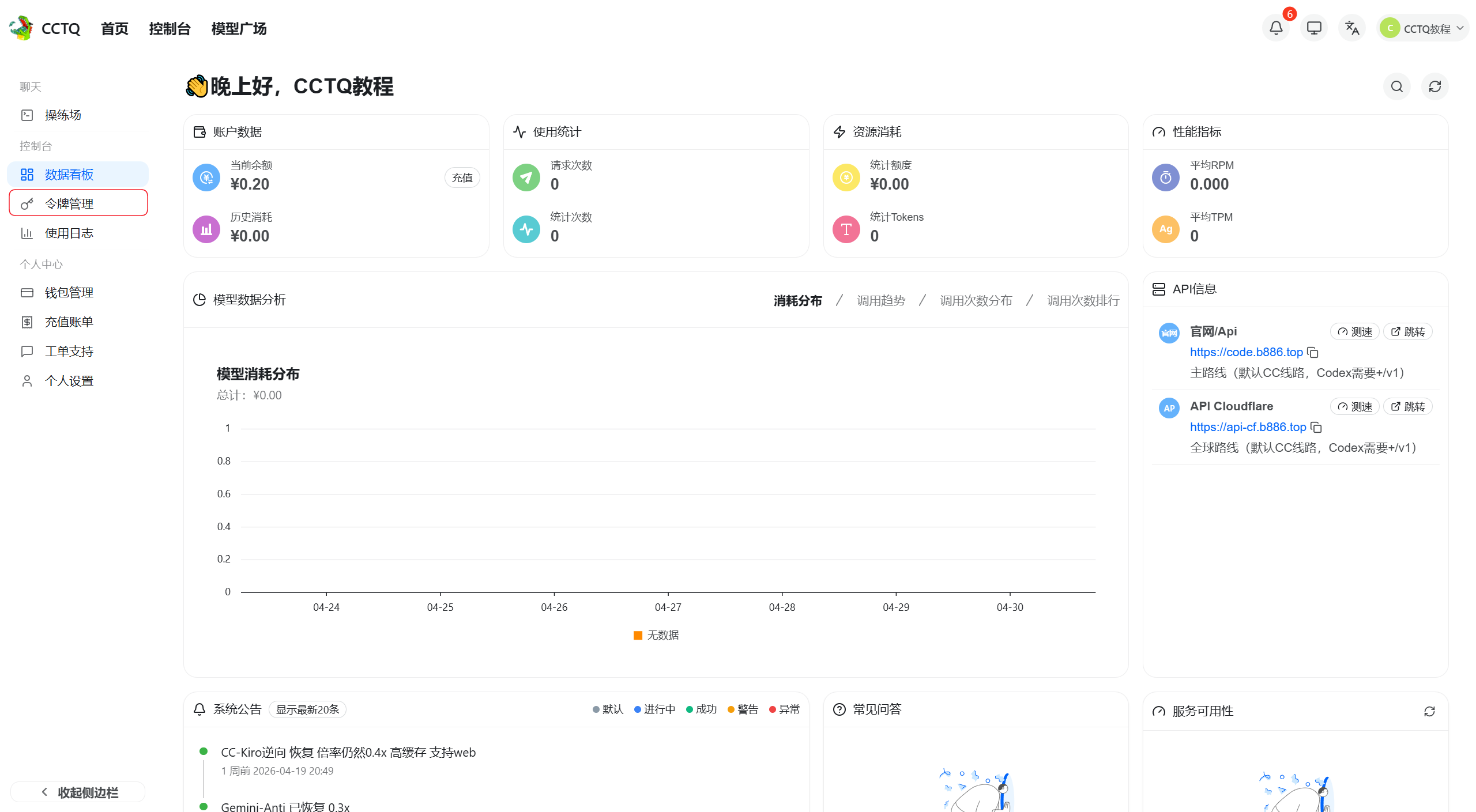
After logging in, go to Token Management on the left.
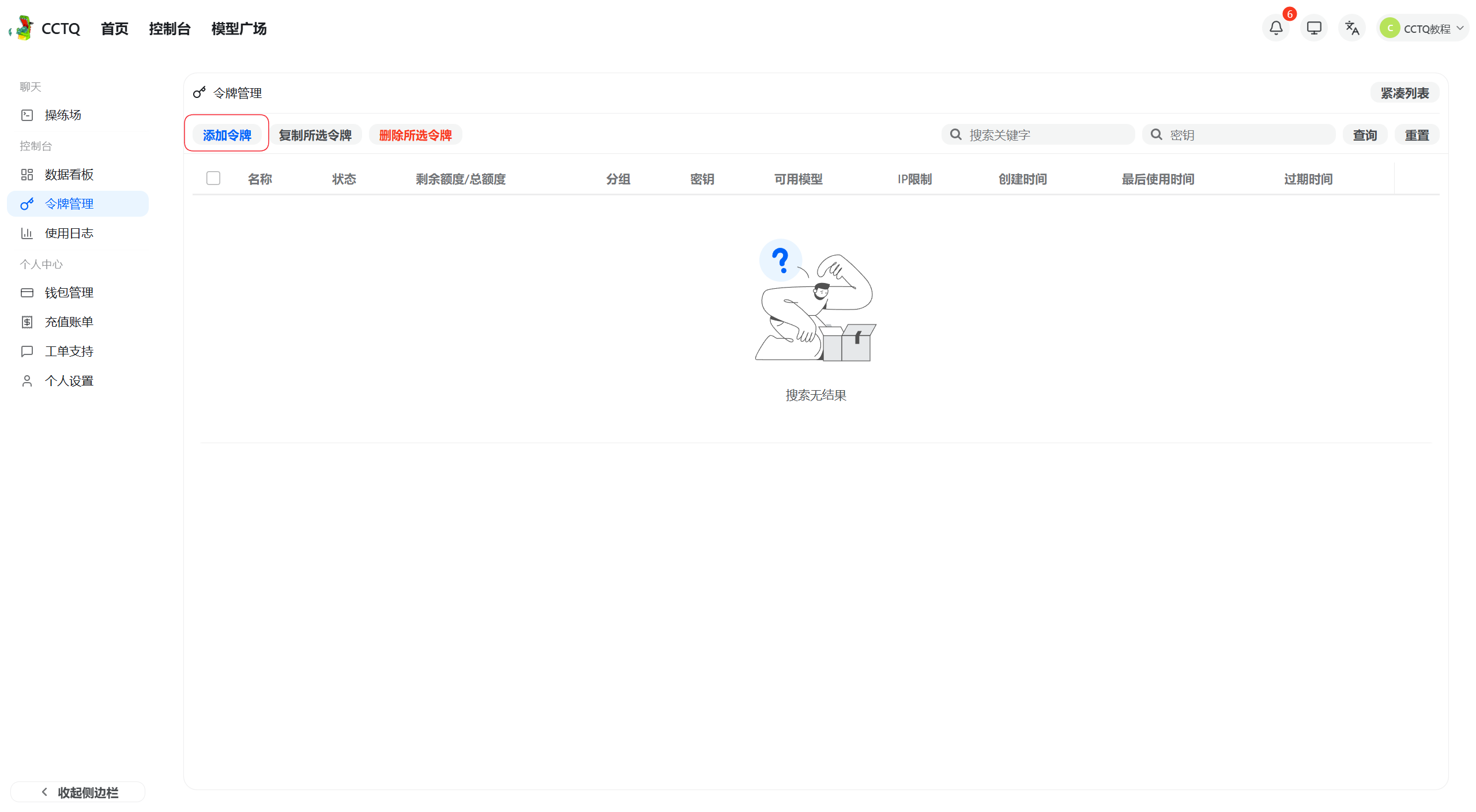
Click Add Token.
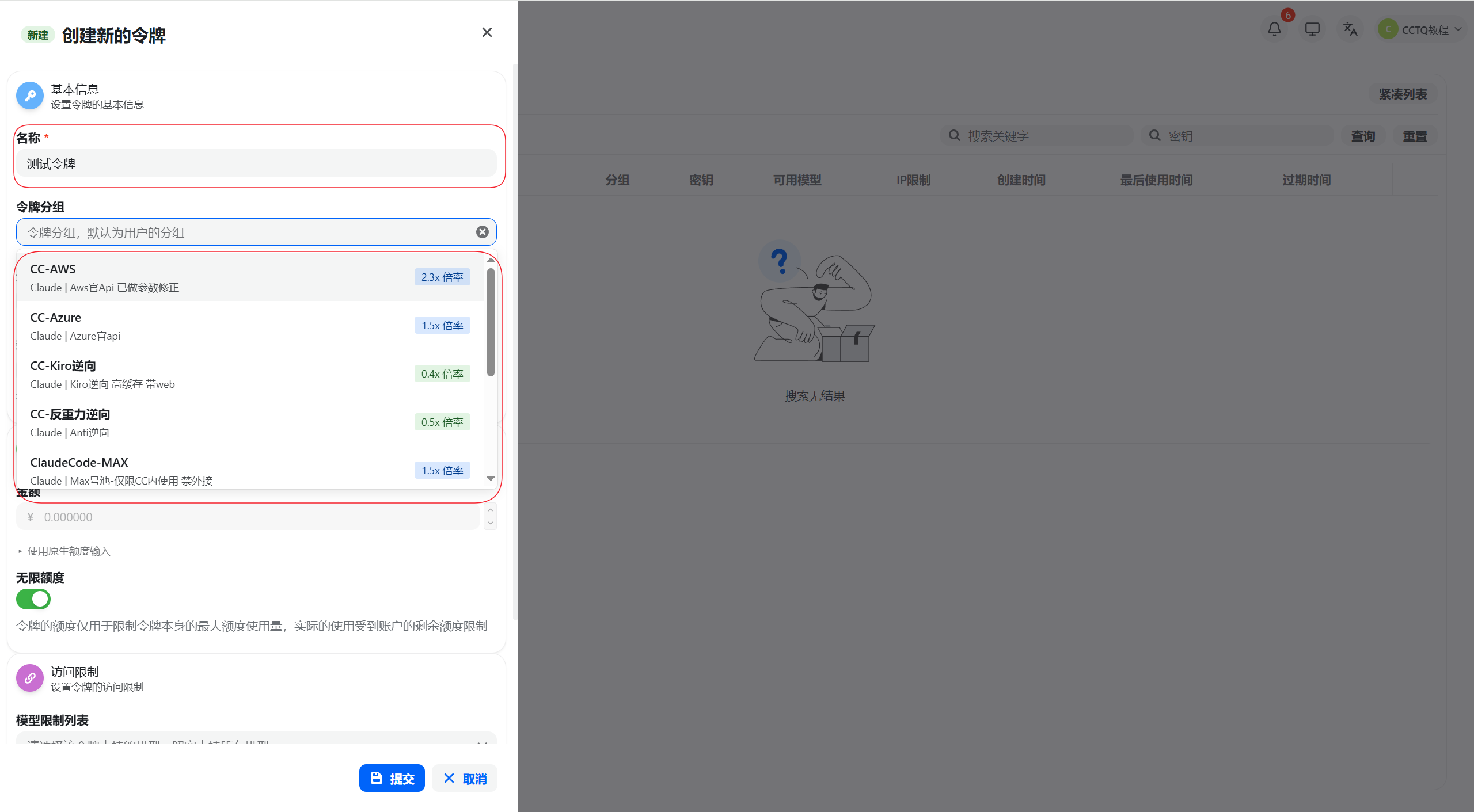
Enter a token name and select the matching group.
About 90% of "unusable" errors come from this: you MUST select a group before submitting.
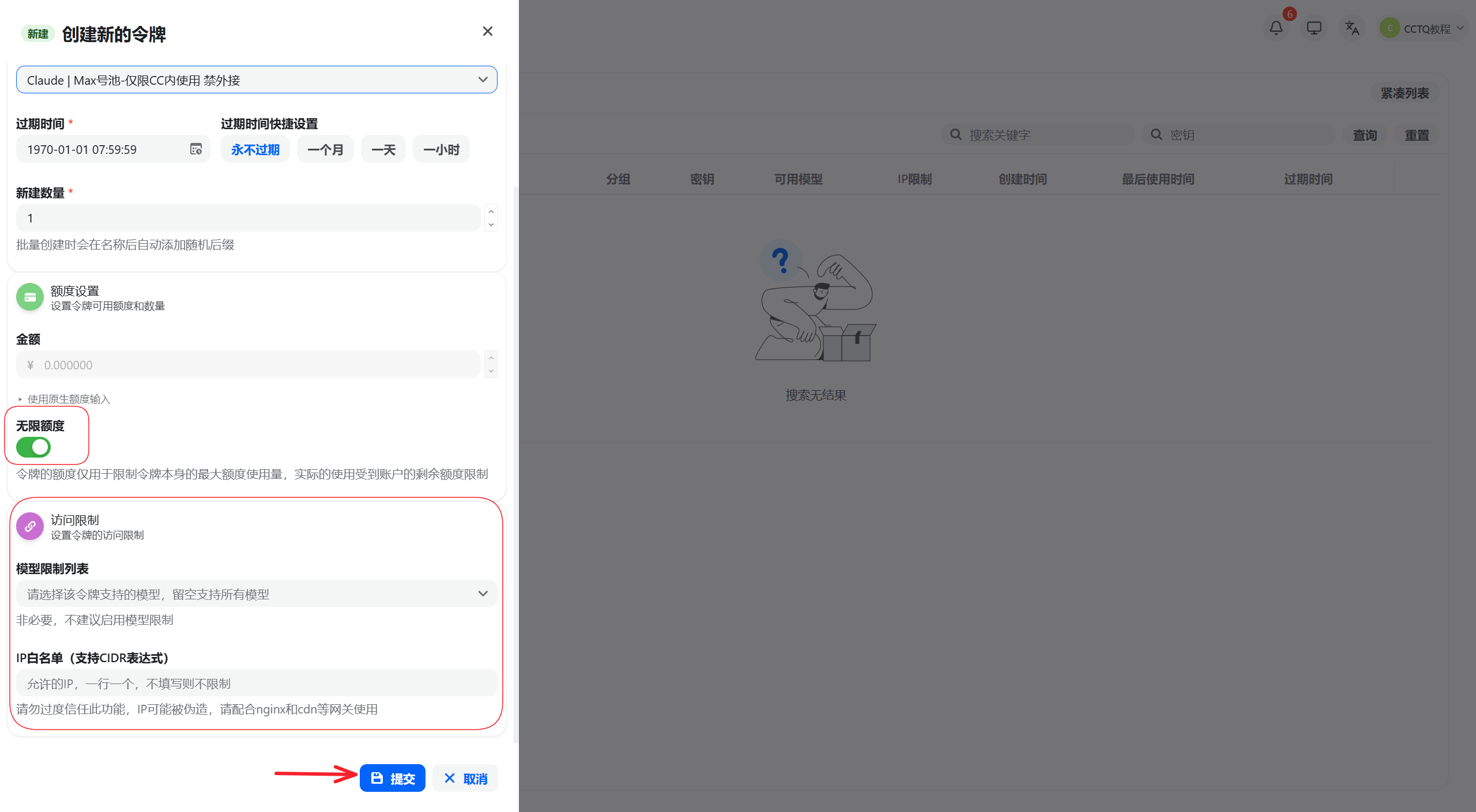
Keep the defaults (as shown) and click Submit.
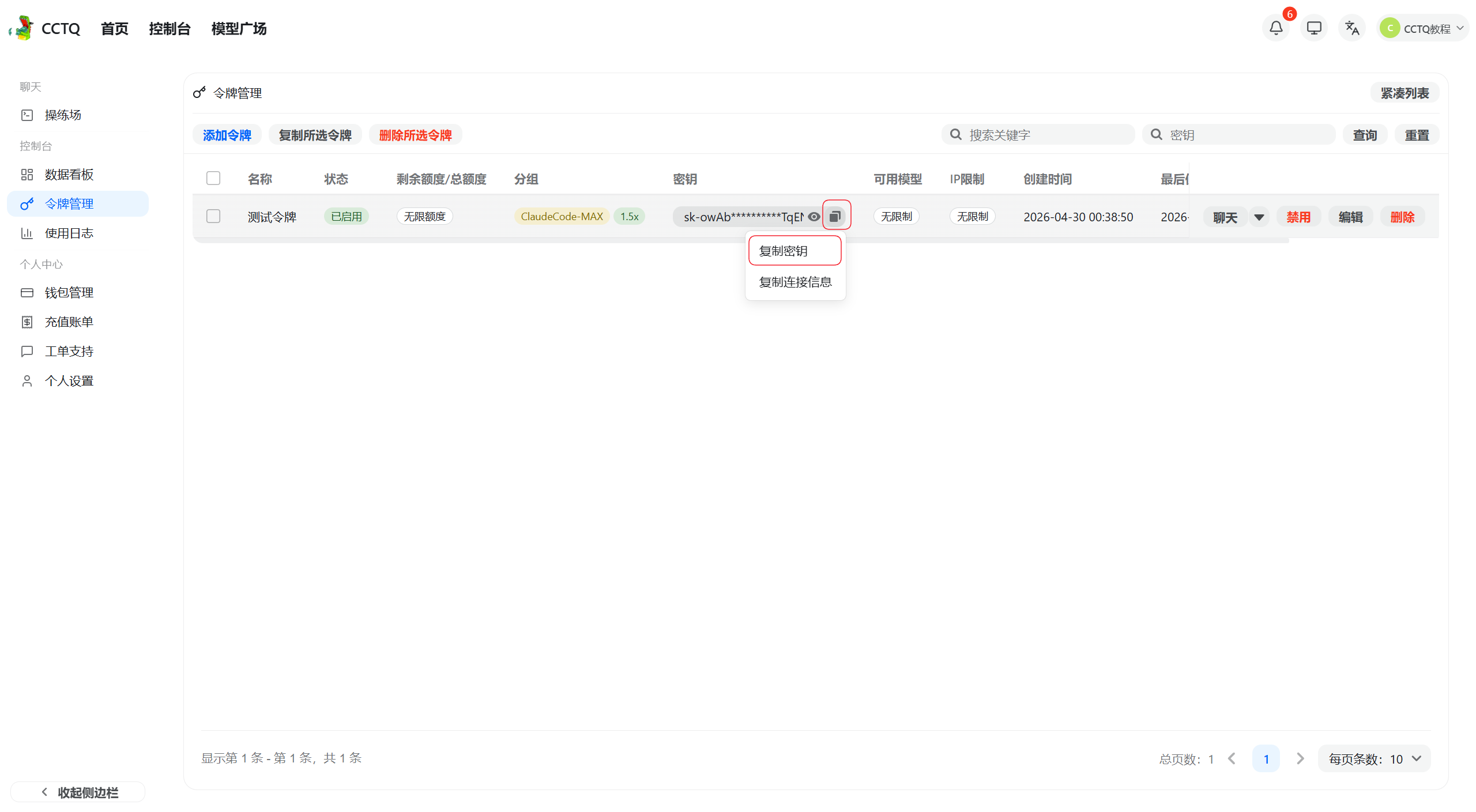
Click the copy button under the Key column to copy the new token.